VPN.lat Logo
  • Home
  • What is a VPN?
  • What is my IP?
  • Speed test
  • Servers
  • Blog
Download
VPN.lat Logo
  • Home
  • What is a VPN?
  • What is my IP?
  • Speed test
  • Servers
  • Blog
Download
  • Home
  • What is a VPN?
  • What is my IP?
  • Speed test
  • Servers
  • Blog
VPN.lat Logo
  • Home
  • What is a VPN?
  • What is my IP?
  • Speed test
  • Servers
  • Blog
News

Category: News

June 10, 2021
News

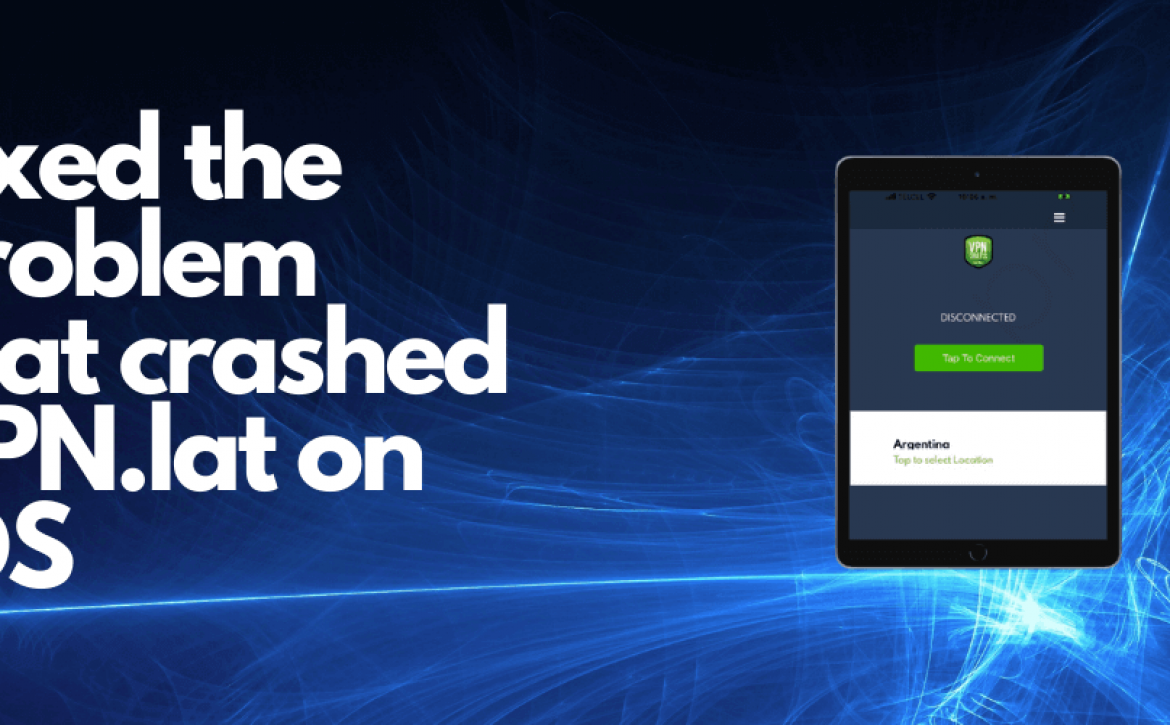
Fixed the problem that crashed VPN.lat on iOS

Hello, a few weeks ago some of our users reported to us that when trying to select some servers in VPN.lat for iOS, the application was closing and they could not open it again.

Today the problem has been solved and an update as such is not necessary. In case they cannot open the application, the procedure to make it work again is to delete and reinstall it from the App Store.

We are sorry for the inconvenience and we hope you can already enjoy it without any problem.

Learn More

admin
June 4, 2021
News

We reach FREE VPN server in 60 countries

6 months ago it was a pleasure to inform you that we reached servers in 50 countries and just 6 months later we are pleased to inform you that we reached free vpn servers in 60 countries.

It has been increasingly difficult to find servers in other countries because they are countries with less connectivity and a much higher cost, but we will continue working to be the best free VPN app with servers around the world, something that not even apps from pay they have.

Thanks to you we continue working and improving little by little and we appreciate your patience when we have problems and failures in the servers and app.

Thank you for continuing to support VPN.lat

Greetings!

Johnatan G.

Learn More

admin
March 23, 2021
News

How to fix that the app closes by itself on Android

A large number of Android users reported multiple app crashes as of Monday afternoon. Engadget’s initial report mentions that users saw notifications of apps that stopped and could not be opened or did open, but their proper functioning was affected. And we have received reports that this happens with VPN.lat users

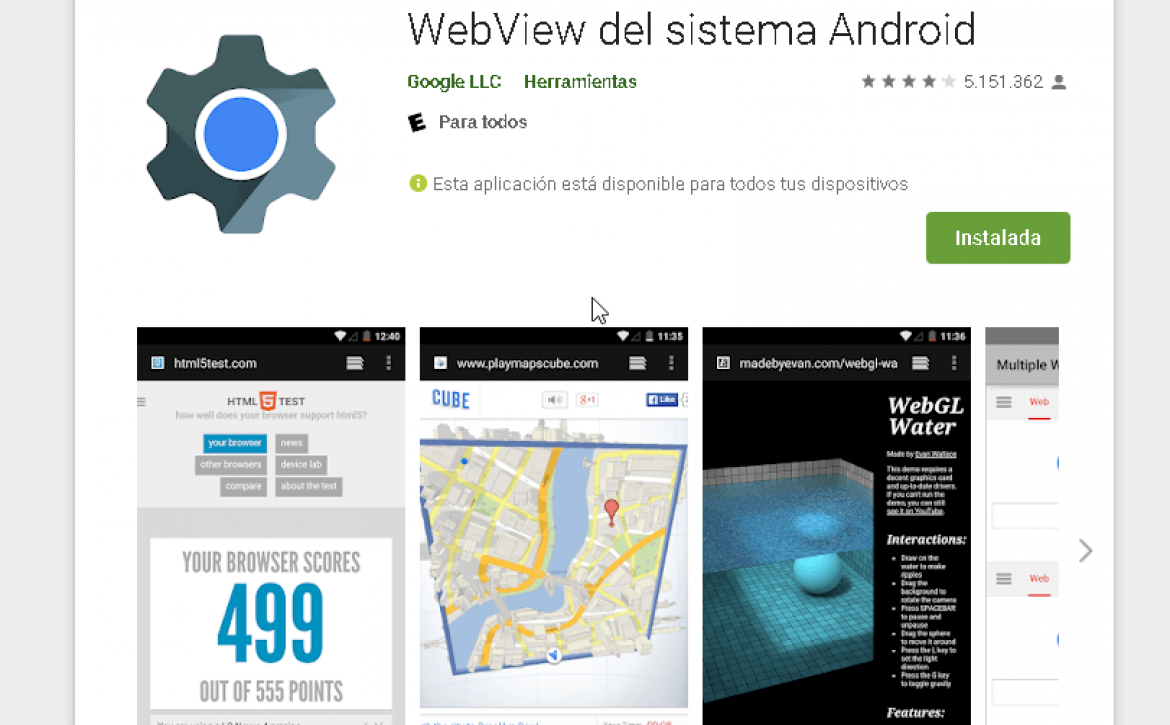
This is the solution to the Android system WebView problem

  • Go to the WebView app of the Android system in the Play Store and press the Uninstall button or Update button.
  • In case we cannot access by this method, you can also follow the path Settings> Applications> display the menu of the points at the top and select Show system apps> search for Android System WebView
  • In this section, select Uninstall updates or Update again.

According to Android this would solve the problem. We are aware of any errors that may be generated.

Learn More

admin
February 15, 2021
News

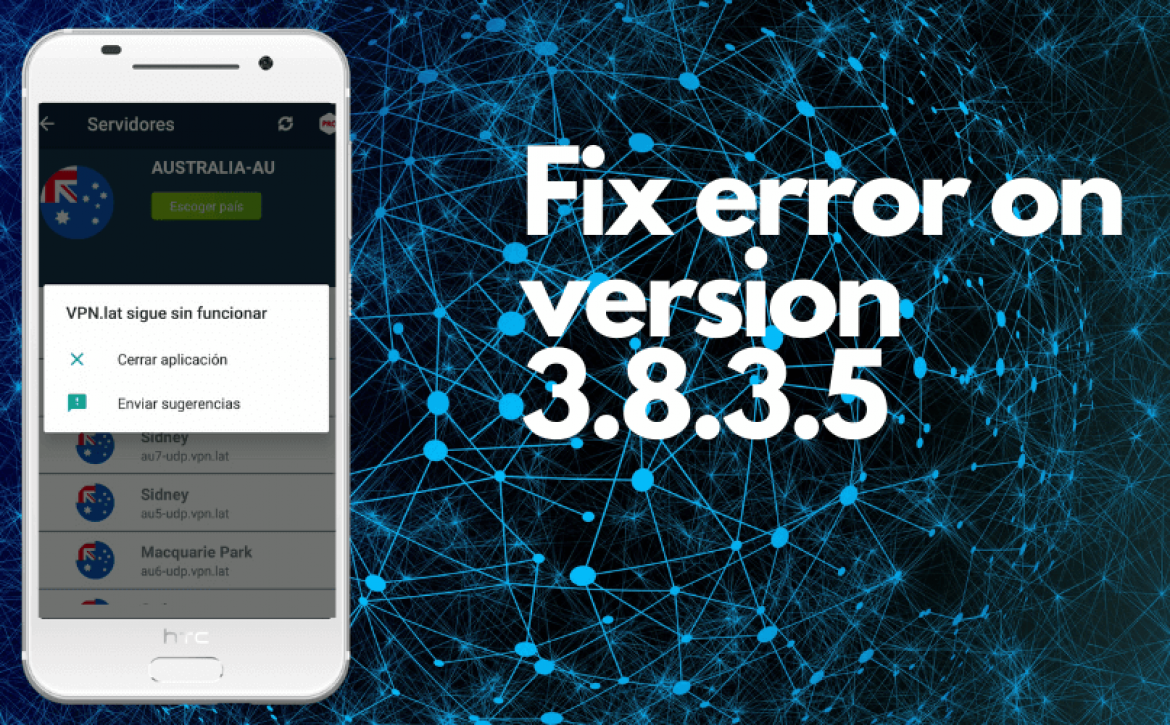
How to fix the error when updating to version 3.8.3.5

Hello dear user, a few days ago we launched version 3.8.3.5 of vpn.lat for Android and some users have reported that at the time of updating the application has stopped working when they want to enter a server as shown in the following screenshot:

If this happens to you, the quickest way to solve it is to delete vpn.lat from your phone and reinstall it from Play Store. This is because in the update it caches some data and that causes the error.

We are working on a new update that fixes this problem.

Thanks for your patience and cooperation.

Greetings

Learn More

admin
May 14, 2020
News

Great news: We already have free VPN servers in 30 countries

Today I feel very excited to share that today we launched a server in the thirtieth country: Colombia.

With this server we already have more than 70 free vpn servers in 30 countries.

VPN.lat is a project that started approximately 1 year ago and has managed to position itself in the taste of users.

I want to clarify that we DO NOT collect data or keep any record of your activity, we only generate income through the advertising of certified platforms such as AdMob and Facebook Audience Network that are secure and comply with the privacy regulations in force in practically any country.

I want to thank you and all the users who use VPN.lat and who help us to continue with this great project.

PD. Remember to rate us on the Play Store with 5 stars to continue developing this app and adding servers.

Thank you!

Atte.
JG

Learn More

admin
Recent Posts
  • Fixed the problem that crashed VPN.lat on iOS
  • We reach FREE VPN server in 60 countries
  • How to fix that the app closes by itself on Android
  • How to fix the error when updating to version 3.8.3.5
  • Happy Holidays from VPN.lat
Recent Comments
  • Idris Jaffer Ibrahim on How to fix that the app closes by itself on Android
  • Cristiana on We reach FREE VPN server in 60 countries
  • Juliano on We reach FREE VPN server in 60 countries
  • Abinash Pandey on We reach FREE VPN server in 60 countries
  • Idris Jaffer Ibrahim on We reach FREE VPN server in 60 countries
Tags
android vpn free vpn vpn

Download App

Start Now

VPN.lat Logo

Free Unlimited VPN for Android and iOS.
Hide your IP
Your IP is 216.73.216.208. Hide it now with VPN.lat and secure your connection with our Free VPN for Android and iOS.
Useful Links
What is a VPN?
What is my IP?
Speed test
Terms & Conditions
Privacy Policy
Contact Us
Newsletter

Terms of use | Privacy Policy

Copyright © 2019-2021 VPN.lat. All Rights Reserved.

#softlab_button_6a8ff45bed512 .wgl_button_link { color: rgba(5,168,1,1); }#softlab_button_6a8ff45bed512 .wgl_button_link:hover { color: rgba(255,255,255,1); }#softlab_button_6a8ff45bed512 .wgl_button_link { border-color: rgba(5,168,1,1); background-color: transparent; }#softlab_button_6a8ff45bed512 .wgl_button_link:hover { border-color: rgba(5,168,1,1); background-color: rgba(5,168,1,1); }#softlab_button_6a8ff45bef714 .wgl_button_link { color: rgba(5,168,1,1); }#softlab_button_6a8ff45bef714 .wgl_button_link:hover { color: rgba(255,255,255,1); }#softlab_button_6a8ff45bef714 .wgl_button_link { border-color: rgba(5,168,1,1); background-color: transparent; }#softlab_button_6a8ff45bef714 .wgl_button_link:hover { border-color: rgba(5,168,1,1); background-color: rgba(5,168,1,1); }@media only screen and (max-width: 768px){ #softlab_spacer_6a8ff45c0135b .spacing_size{ display: none; } #softlab_spacer_6a8ff45c0135b .spacing_size-tablet{ display: block; } }#softlab_soc_icon_wrap_6a8ff45c01a19 a{ background: #05a801; border-color: #ffffff; }#softlab_soc_icon_wrap_6a8ff45c01a19 a:hover{ background: #ffffff; border-color: #05a801; }.softlab_module_social #soc_icon_6a8ff45c01a411{ color: #ffffff; }.softlab_module_social #soc_icon_6a8ff45c01a411:hover{ color: #1c2b40; }.softlab_module_social #soc_icon_6a8ff45c01a411{ background: #65a608; }.softlab_module_social #soc_icon_6a8ff45c01a411:hover{ background: #ffffff; }.softlab_module_social #soc_icon_6a8ff45c01a552{ color: #ffffff; }.softlab_module_social #soc_icon_6a8ff45c01a552:hover{ color: #1c2b40; }.softlab_module_social #soc_icon_6a8ff45c01a552{ background: #65a608; }.softlab_module_social #soc_icon_6a8ff45c01a552:hover{ background: #ffffff; }